Final Workflow
ArchViz ZIT 2× Upscale + Optional Caption (Final)
The production graph used for the comparisons below. Built on z‑image‑turbo_fp8_scaled with RealESRGAN_x4plus as the pre‑upscaler, a ModelSamplingAuraFlow stabilisation node, and an optional Florence caption pass that helps preserve materials. Captioning is useful but not required — leave the prompt empty or supply your own and the subgraph still runs.
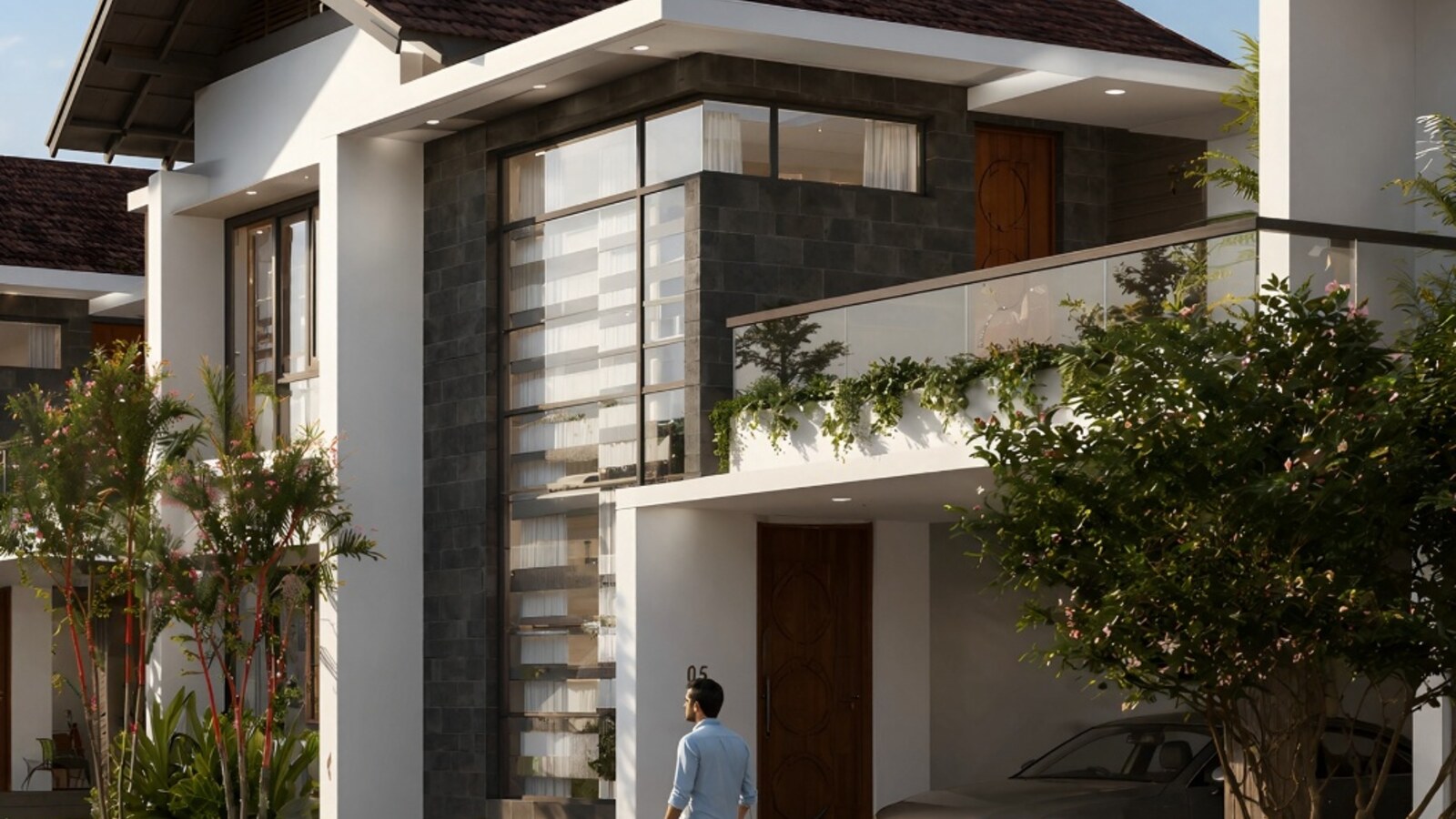
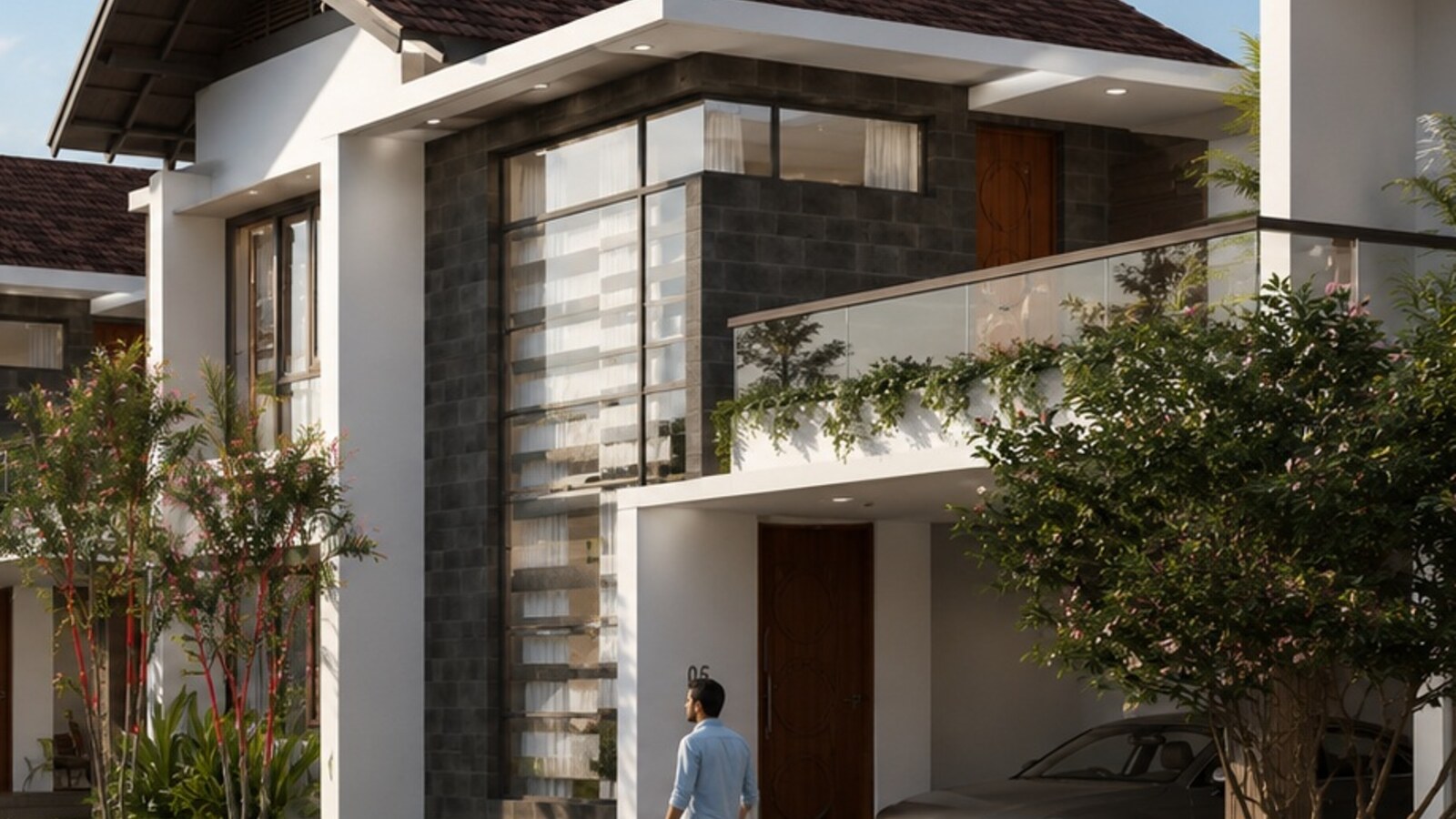
Before / After
Drag the slider to compare 1× input vs. 2× upscaled output.


Animated Node Graph
Top-level workflow and the exploded Upscale Brain subgraph.
Drag node headers to rearrange, pinch or Ctrl/⌘‑scroll to zoom, drag the canvas to pan. Highlights: the new RealESRGAN_x4plus loader, z‑image‑turbo_fp8_scaled, qwen_3_4b text encoder, ae_zimage VAE, and the ModelSamplingAuraFlow node (shift = 3.0) sitting between the diffusion model and the sampler. The optional Florence path on the top-level graph feeds a captioned prompt into the subgraph.
Update Timeline
How this workflow evolved.
2026‑05‑16
Caption pass added
Inserted Florence caption nodes and a Text Concatenate node to append a material‑preservation prompt. First captioned version still used the UltraSharp upscaler.
2026‑05‑17
Final upscale workflow
Switched upscaler to RealESRGAN_x4plus, base model to z‑image‑turbo_fp8_scaled, text encoder to qwen_3_4b, kept ae_zimage VAE. Inserted ModelSamplingAuraFlow (shift = 3.0), lowered denoise to 0.11, tuned seam‑fix and tile settings. Fits comfortably within 16 GB VRAM.
Florence Model Files
Folder structure for the optional caption node.
After downloading the LLM and vision models listed in the Models section, place them under your ComfyUI/models directory exactly like this — create folders if they don't exist:
models/LLM/Florence-2-large-PromptGen-v2.0/
LLM checkpoints + config + tokenizer for the Florence caption node.
models/clip/siglip-so400m-patch14-384/
SigLIP vision encoder (model + tokenizer) used by Florence.
models/Joy_caption_two/
Only if you still use Joy Caption Two — place clip_model.pt, config.yaml, image_adapter.pt and the text_model folder directly here (do not nest).
Grab the JSON. Download the final workflow file and drop it into ComfyUI. The other workflows on the hub are shared on request — message me on LinkedIn.